the TZ Bug in Chill with You on Linux

What’s This About
Section titled “What’s This About”There’s a game on Steam called Chill with You ~ Lofi Story (is it even a game? it’s basically a pomodoro timer!). It’s one of my favorites - the protagonist is adorable and provides great companionship.
The setting is that you and the protagonist exist in different parallel universes, so I always assumed the time difference between the game and my local time was intentional. I never bothered to look into it.
Until the 1.2 update (January 27th), when I saw a comment in Steam’s discussion board: basically saying that when running this game on Linux with Proton, the in-game time always shows UTC+0.
For those unfamiliar with UTC (Universal Coordinated Time), here’s a simple example: I’m in UTC+8, so if my actual time is 8:00 AM, the game would show 0:00 AM - an 8-hour difference.
Wait, what? So it wasn’t some parallel universe setting after all, just the timezone not being read correctly. No wonder it was exactly 8 hours off.
Problem Analysis
Section titled “Problem Analysis”It’s actually a pretty simple issue, and I quickly found the cause: Proton-run Windows programs can’t correctly read the Linux system’s timezone information. On Linux, timezone data is usually stored in /usr/share/zoneinfo/, while on NixOS it’s in /etc/zoneinfo/.
The solution is simple - just manually specify the timezone in the launch options. Go to Steam → Game Properties → Launch Options and add:
TZ=Asia/Shanghai: Sets the timezone to Shanghai (Beijing Time)TZDIR=/etc/zoneinfo: Specifies the timezone file directory location
It should look something like this:
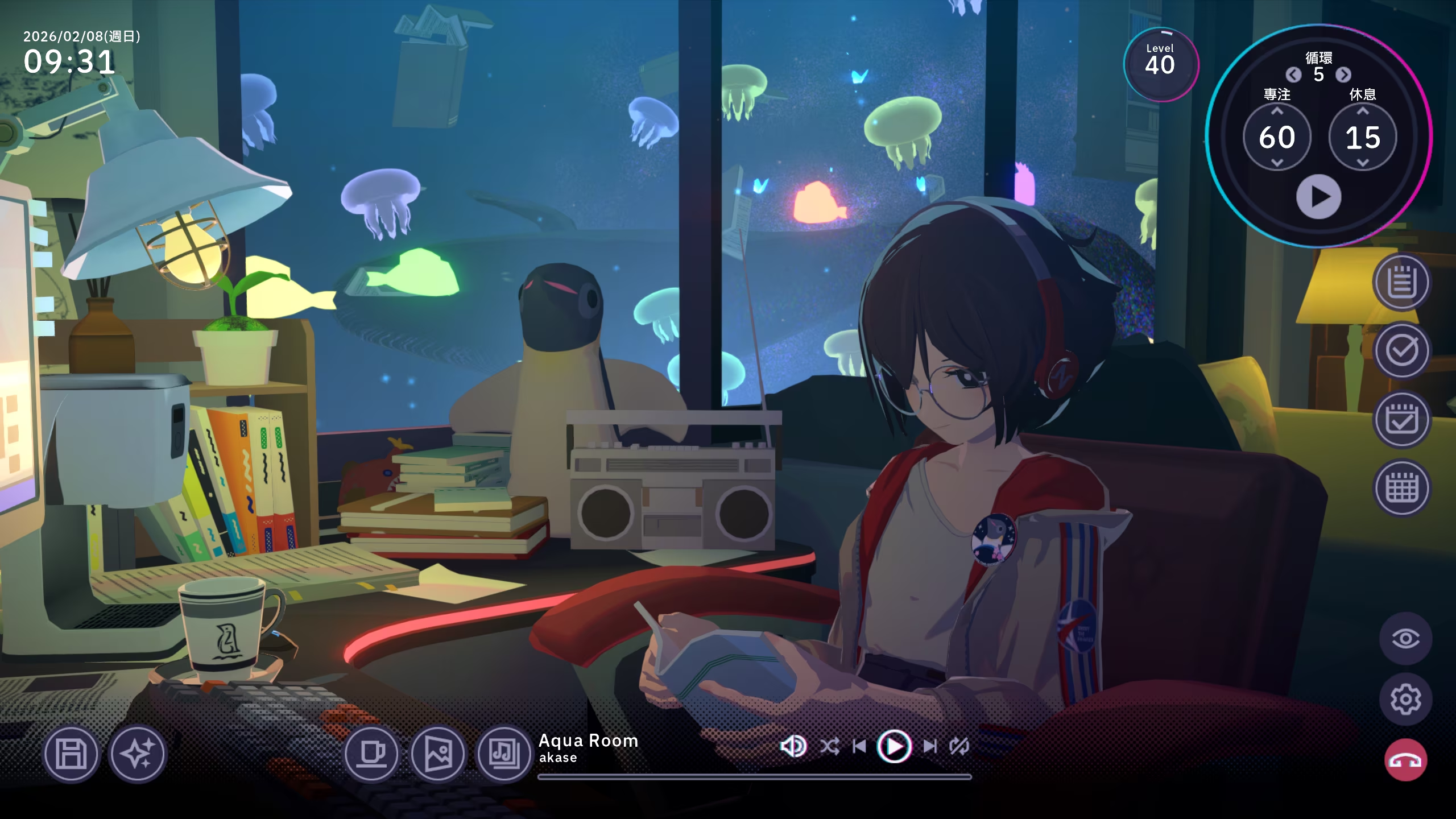
TZDIR="/usr/share/zoneinfo" TZ="Asia/Shanghai" %command%After adding these launch parameters and restarting the game, the time displays correctly. 9:31 is now 9:31.
Afterword
Section titled “Afterword”That pretty much solves the problem. I also replied to that discussion comment with the solution. If you’ve encountered the same issue, I hope this post helps you.
By the way, I use NixOS, so normally I should use /etc/zoneinfo instead of /usr/share/zoneinfo, since NixOS doesn’t have the /usr/share/zoneinfo directory. However, this still works because Steam’s environment handles it for you.
Belike:
~ $ steam-run ls /usr/share/zoneinfoAfrica Egypt Hongkong Mexico ROKAmerica Eire HST MST SingaporeAntarctica EST Iceland MST7MDT TurkeyArctic EST5EDT Indian Navajo tzdata.ziAsia Etc Iran NZ UCTAtlantic Europe iso3166.tab NZ-CHAT UniversalAustralia Factory Israel Pacific USBrazil GB Jamaica Poland UTCCanada GB-Eire Japan Portugal WETCET GMT Kwajalein posix W-SUChile GMT+0 leapseconds PRC zone1970.tabCST6CDT GMT-0 leap-seconds.list PST8PDT zonenow.tabCuba GMT0 Libya right zone.tabEET Greenwich MET ROC Zulu~ $ ls /usr/share/zoneinfolsd: /usr/share/zoneinfo: No such file or directory (os error 2).